brand new!

Interactive Parsha: Sefer Shemos

FREE download now available!

Launching this year with Sefer Shemos

Elevate your parsha lessons and engage the whole class!

Bring the parsha to life with interactive, visually engaging lessons that work seamlessly on any interactive display, projector or laptop.

For Grades 1 and up.

includes:
  • Visuals that support every storyline and concept
  • Easy, structured breakdowns of the parsha with natural stopping points
  • Built-in questions and activities to make students active participants in their learning
  • Timelines and maps that bring the parsha, history, and geography to life
  • Parsha Menu with extension activities for every type of learner
  • Teacher quick Guide: tips for maximizing engagement
  • Divrei Torah, Parsha Summaries, Middah Moments, and more!
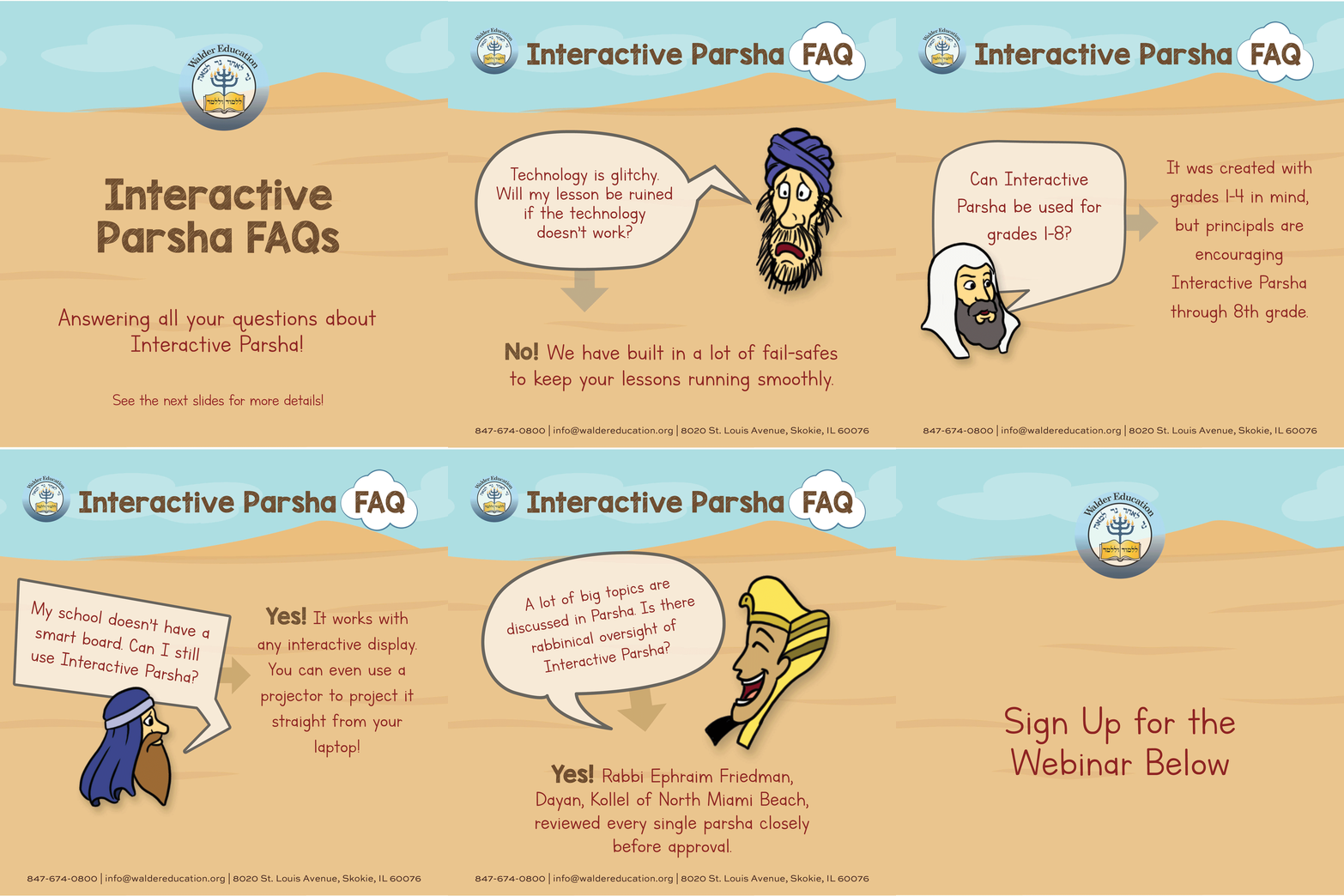
Rabbinically Approved

All content reviewed and approved by:
Rabbi Ephraim Friedman
Dayan, Kollel of North Miami Beach


haskamah

View haskamah by Rabbi Nosson Muller 
Menahel of Yeshivas Tiferes Tzvi (YTT), Chicago

View both webinars below!

WEBINAR #1

What is Interactive Parsha?

An introductory overview of Interactive Parsha, featuring a walkthrough of Interactive Parsha and how it can be easily implemented in your classroom.

Sunday, November 30, 2025
7:30-8:30 p.m. CST / 8:30-9:30 p.m. EST 

WEBINAR #2

Teaching Interactive Parsha, Made Easy

A deeper dive into the many useful teacher resources that accompany Interactive Parsha, including parsha sheet options and strategies for whole-class engagement.

Wednesday, December 10, 2025
7:30-8:30 p.m. CST / 8:30-9:30 p.m. EST 

How to download Smart Notebook
  1. Google “SMART Notebook Download”
  2. Click the link below SMART Technologies, called SMART Notebook Download
  3. Select “I’d like a free download of SMART Notebook basic version”
  4. Complete the form (select for Windows or Mac) and click Download
  5. Go to your computer’s Download folder and select the SMART25 application
  6. Click “I have read and accept the terms…” and click Next
  7. After the software is fully downloaded, click Finish
  8. Click “Don’t show this again” located on the bottom left-hand corner and select “Use Notebook” on the bottom right-hand corner
    Disregard the Sign-In button

Click below to access each Interactive Parsha. Stay tuned for more!

Interactive Parsha: Parshas Shemos

Interactive Parsha: Parshas Vaeira

Interactive Parsha: Parshas Bo

Interactive Parsha: Parshas Beshalach

Interactive Parsha: Parshas Yisro

Interactive Parsha: Parshas Mishpatim

Interactive Parsha: Parshas Terumah

Interactive Parsha: Parshas Tetzaveh

haskamah: November 24th, 2025

Dear Rabbi Lurie,

It is with utmost pleasure and delight that I write these words of recommendation for the upcoming release of Walder Education’s Interactive Parsha series.

The talent, thought and depth you have put into this project is simply awesome! The beautiful graphics coupled with the multiple options every rebbi/teacher can avail themselves with is clearly a breakthrough in the world of chinuch that has yet to be seen!

The possibilities created through this initiative will enable so many more children -both in and out of the classroom – to understand Chumash in a broader and deeper way. It will also greatly expand their ability to grasp even the most difficult concepts in a fun and interactive way.

Ashreichem, that you have created such a beautiful and easy-to-use teaching/learning tool! I am in awe of the tremendous effort, work and resource that you and your team at the Walder Education have put into this project.

May you merit continued Siyata D’Shmaya to produce and publish more learning materials for our children!

With admiration, 
Menahel Rabbi Nosson Muller, Yeshivas Tiferes Tzvi (YTT), Chicago

Select Wishlist